 n8n Automation Hub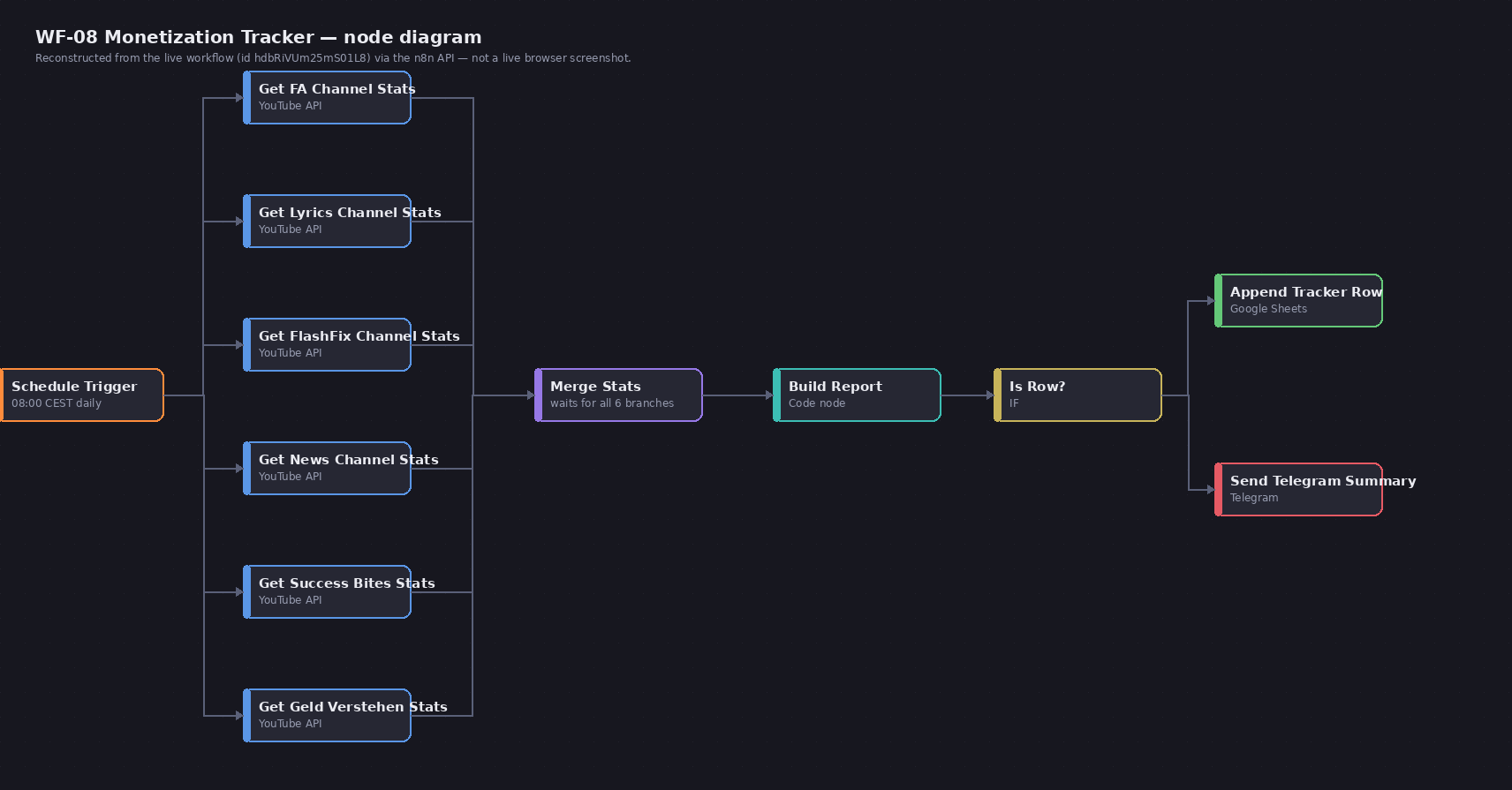
A one-field change that should have been boring
The task was small: move a daily automated report from one fire time to another on a workflow that had already been live and stable for weeks. Nothing about the workflow's logic needed to change — just the Schedule Trigger node's hour. The API call to update it (a PUT with the new triggerAtHour/triggerAtMinute values inside the node's parameters) returned a clean 200, with the new values visible in the response body. By every signal the API gave back, the change had taken.
First surprise: it never fired, at either the old or the new time
The target was 12:54 UTC. It didn't fire then. It also, on closer inspection, hadn't been firing at the time the *old* configuration should have produced either — which was the first clue that the actual problem wasn't really about updating at all, it was about what timezone the trigger's numbers are even measured in. This instance's Schedule Trigger interprets triggerAtHour/triggerAtMinute in CEST (UTC+2), not UTC. A target of "12:54 UTC" needed to be entered as 14:54 in the node's own fields — entering 12:54 directly had actually scheduled the workflow for 10:54 UTC, a time that had already passed by the time the test was being watched for.
Second surprise: the corrected value still didn't fire
With the timezone understood, the field was corrected to target 15:01 CEST (13:01 UTC) and PUT again — on the same workflow, still active the entire time. It still didn't fire at 13:01 UTC. The API had, again, returned success. The workflow's stored JSON, when read back, showed the correct new hour. Nothing about the update looked wrong from the outside.
The actual mechanism: n8n registers a workflow's cron schedule when the workflow transitions to active — not continuously re-reading its own stored trigger configuration on every save. Updating an already-active workflow's node parameters via the API changes what's stored, but the running cron job in memory keeps using whatever schedule was in effect the last time the workflow was activated. A PUT to an active workflow's Schedule Trigger is, functionally, invisible to the thing that actually decides when it fires next.
The fix: deactivate, save, reactivate — in that order
The only way to make a schedule change actually take effect on this instance: deactivate the workflow first, then PUT the parameter change, then reactivate. Reactivation is the step that re-registers the cron job from the workflow's current stored configuration — the same PUT that silently did nothing on an active workflow works immediately once the workflow is inactive when it lands, then gets turned back on afterward.
What confirmed it was actually fixed
The next test, run through deactivate → PUT → reactivate targeting 15:01 CEST, fired at exactly 13:01 UTC — the correct moment, confirmed against the server clock rather than assumed from the API's 200 response. Two separate gotchas were stacked in what looked like one simple config change: get the timezone wrong and you schedule the right-looking number at the wrong moment; get the activation-state wrong and the right number never even gets picked up. Either one alone would produce the exact same symptom — a schedule that silently keeps doing what it was doing before — with no error from anything in the update chain to say so.