 n8n Automation Hub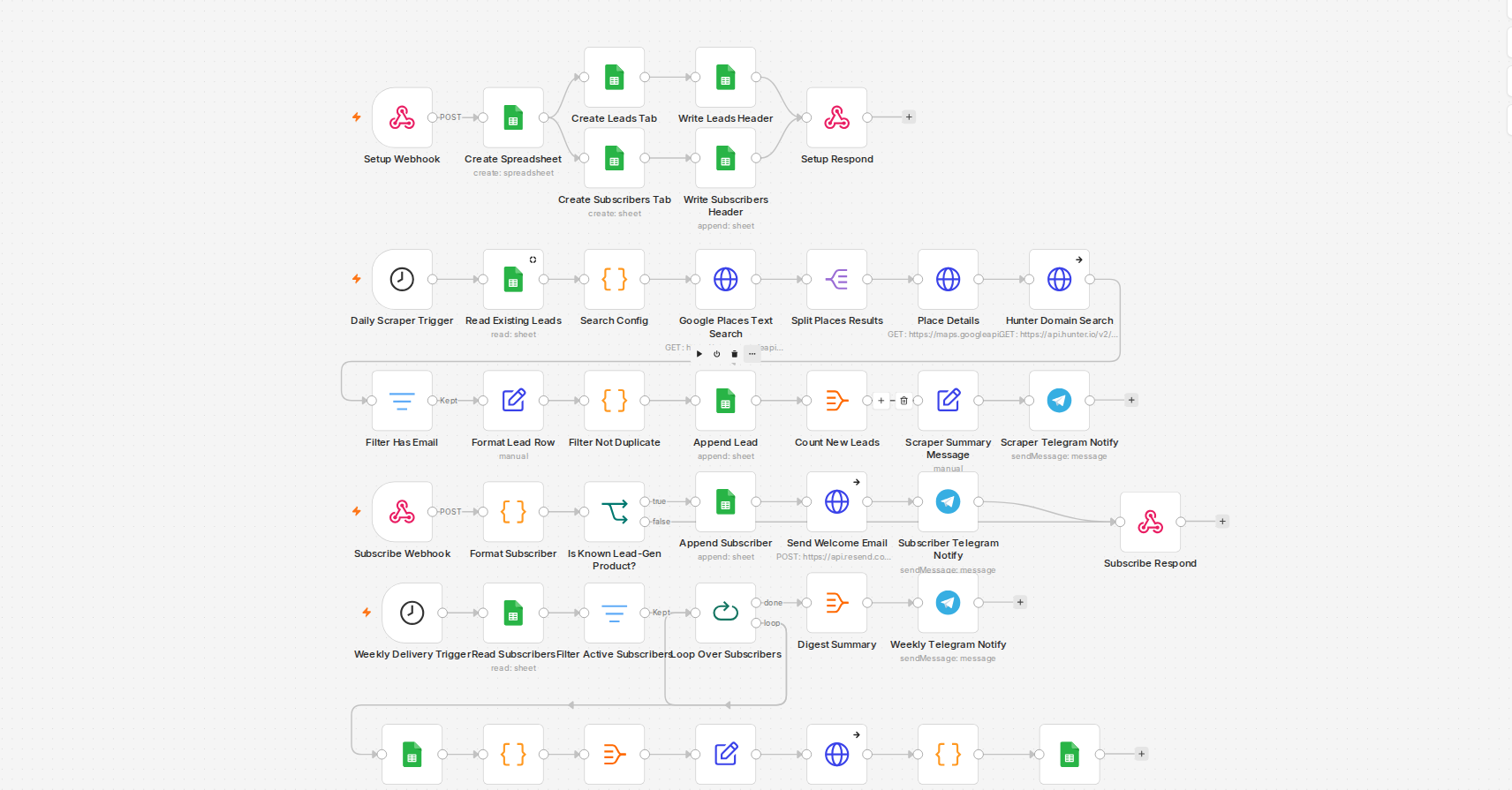
The webhook-array bug that writes one garbage row instead of many
If you POST a JSON array to an n8n webhook expecting it to fan out into multiple items downstream, it won't — the webhook node treats the whole payload as a single item, with your array nested inside its body field. Feed that straight into a Google Sheets append node with auto-mapped columns, and you get exactly one new row, and it's garbage: the webhook's own envelope fields, not your data. No error, no warning, just a wrong row sitting in your sheet. The fix is a one-line Code node between the webhook and the Sheets node that maps the array out into real items first.
The append that silently overwrote nineteen rows
The more dangerous bug: n8n's Google Sheets node auto-detects the table's boundaries when you don't give it an explicit range, and it gets this wrong if there's any row near the top whose shape doesn't match the rest — a leftover header artifact with real data sitting in columns that are otherwise blank for every real row is enough to confuse both the read and the append operations. A "read" that returns far fewer rows than you expect is the warning sign. I've had this actually happen: an append that should have landed at the end of the sheet instead overwrote existing rows in place, because the node's idea of "where the table ends" was wrong. Recovery meant reconstructing the destroyed rows from an earlier snapshot — which only existed because I happened to have pulled the data for an unrelated check minutes before. I don't build a queue on a fresh Sheet now without confirming the boundary detection is sane first.
matchingColumns is not as safe as it looks
`appendOrUpdate` matched on a column that looks unique but isn't is the other way to lose data quietly. If a queue reuses the same identifier across different items — the same slug across different weeks, the same step-name across different jobs — matching on it will silently overwrite an unrelated row that happens to share the value, including a row that's already marked complete. The fix is boring but absolute: only match on a column you've actually confirmed is unique across the entire sheet, and prefer appending without matching at all when you're inserting genuinely new rows rather than updating a known one.
The habit that would have prevented both
Every one of these was caught, not prevented, by a habit I now apply everywhere: a "success" response from the Sheets node is necessary, not sufficient. I do a verify-read before any write that touches existing rows, and another one immediately after, to confirm the actual row count and content match what I expect — not just what the node claims happened.