 n8n Automation Hub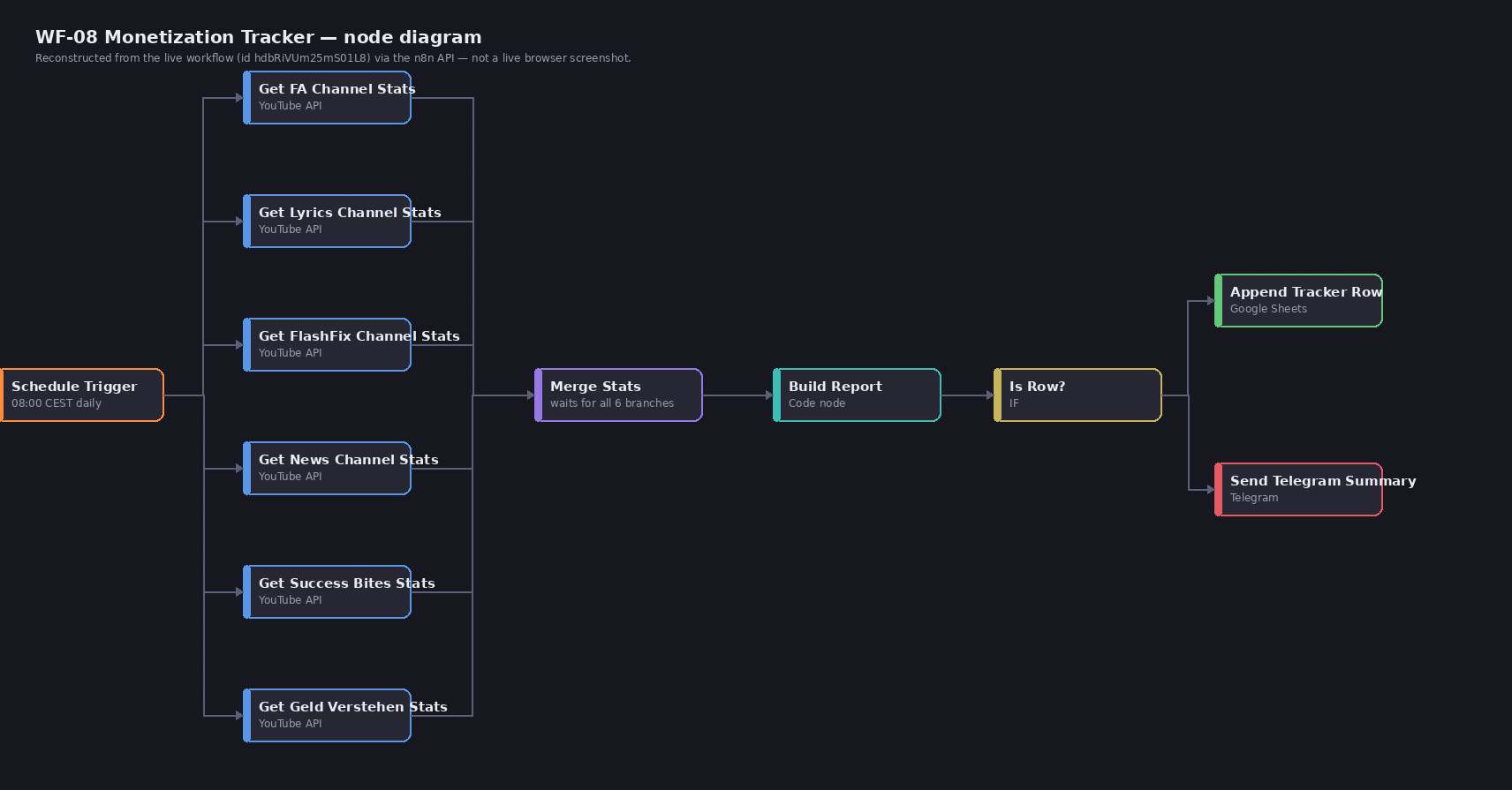
Sixteen rows that shouldn't have existed
A separate wiring bug (documented in a different write-up on this same pipeline) had caused one report-building node to re-execute four times in a single run, and each of those four executions wrote four rows to a Google Sheets tracking tab instead of one. Sixteen duplicate rows, all sharing the same timestamp, sitting in rows 66 through 81 of an otherwise clean append-only log. Cleaning them up was supposed to be the easy part.
The parameter that looks like it should just work
The Google Sheets node's delete operation takes a startIndex and a numberOfRows — read literally, "start at row 66, delete 16 rows" is exactly the right call for this cleanup. The node accepted it, ran without error, and returned what looked like a normal success response. Nothing in the response distinguished this from a genuine 16-row deletion.
What actually happened: one row, every time
A follow-up read of the Sheet told the real story: row 66 was gone. Rows 67 through 81 — fifteen more duplicates — were exactly as they'd been before the delete call. On this node/version, numberOfRows appears to have no effect on the delete operation at all; it silently behaves as if it were always 1, regardless of what value is actually set. There's no warning, no partial-success flag, no count mismatch reported anywhere — a caller has no way to detect this from the API response alone. The only way to know is to read the data back afterward and count.
The workaround: call it sixteen times, not once
Since a single delete call reliably removes exactly the row at startIndex, the fix was to stop trying to delete a range in one call and instead call the same single-row delete repeatedly — sixteen times total, always targeting startIndex: 66. This works because Google Sheets shifts every row below a deletion up by one automatically: after the first call removes what was row 66, the next duplicate row slides into that same position, so the identical startIndex: 66 call removes the next one, and the next, without needing to track a shrinking range manually.
Confirming it actually worked
A fresh read of the Sheet after all sixteen calls showed exactly the legitimate rows and nothing else — the duplicate block was gone, and no unrelated rows above or below it had shifted incorrectly. The disposable cleanup workflow was deactivated and deleted immediately after, the same hygiene applied to every one-off Sheets edit on this instance, so nothing was left active that could accidentally fire again later.
Why this one's worth writing down
A parameter that's silently ignored is worse than one that throws an error, because nothing about the call's own response gives any reason to suspect it. numberOfRows reads as unambiguous — it's a documented field on a delete operation with an obvious literal meaning — and it still didn't do what its name says on this node/version. The only defense is the same one that applies everywhere in a pipeline that writes or deletes real data: verify the actual state afterward by reading it back, don't infer success from a clean-looking API response.
A one-call alternative: the Sheets API directly
Calling the node 16 times works, but it is 16 API calls and 16 chances to be interrupted halfway. The Google Sheets API itself can delete a range of rows in one request with batchUpdate and a deleteDimension request. In n8n that is an HTTP Request node using the same Google credential:
POST https://sheets.googleapis.com/v4/spreadsheets/<SPREADSHEET_ID>:batchUpdate
{
  "requests": [{
    "deleteDimension": {
      "range": { "sheetId": <SHEET_GID>, "dimension": "ROWS",
                 "startIndex": 65, "endIndex": 81 }
    }
  }]
}
Two details that are easy to get wrong:
- The indexes are zero-based and the end is exclusive. Sheet rows 66 to 81 are
startIndex: 65,endIndex: 81. sheetIdis the numeric tab id (thegid=number in the tab's URL), not the spreadsheet id and not the tab name.
Delete from the bottom up
When rows to delete are not contiguous, for example every row where a status column says "duplicate", delete them in descending row order. Deleting row 70 first shifts everything below it up by one, so a list of row numbers collected before the first delete is wrong for every row after it. Going from the highest row number to the lowest keeps every remaining number valid. The repeated startIndex: 66 trick in this article only works because the 16 rows were contiguous.
Before deleting anything in a production sheet
- Read the range first and confirm it contains exactly the rows you expect, by a unique key, not by position alone.
- Copy the rows somewhere, even a second tab, so a mistake can be undone.
- Make sure no scheduled workflow is appending to the same tab at that moment, or the row numbers can move under you.
- Read the sheet back afterwards and count. The node's success response doesn't prove anything, as this article shows.
Frequently asked questions
Why does the n8n Google Sheets delete operation remove only one row?
On the node version used here, the number-of-rows setting had no effect and every delete removed only the row at the start index, with no error or warning.
How can I delete many rows in one call?
Use an HTTP Request node with the Sheets API's batchUpdate and a deleteDimension request. Indexes are zero-based and the end index is exclusive.
In what order should I delete non-contiguous rows?
From the highest row number to the lowest, so that each deletion doesn't shift the rows you still have to delete.
How do I check that the delete worked?
Read the sheet back and count the rows. A success response from the node is not proof of what was actually deleted.