 n8n Automation Hub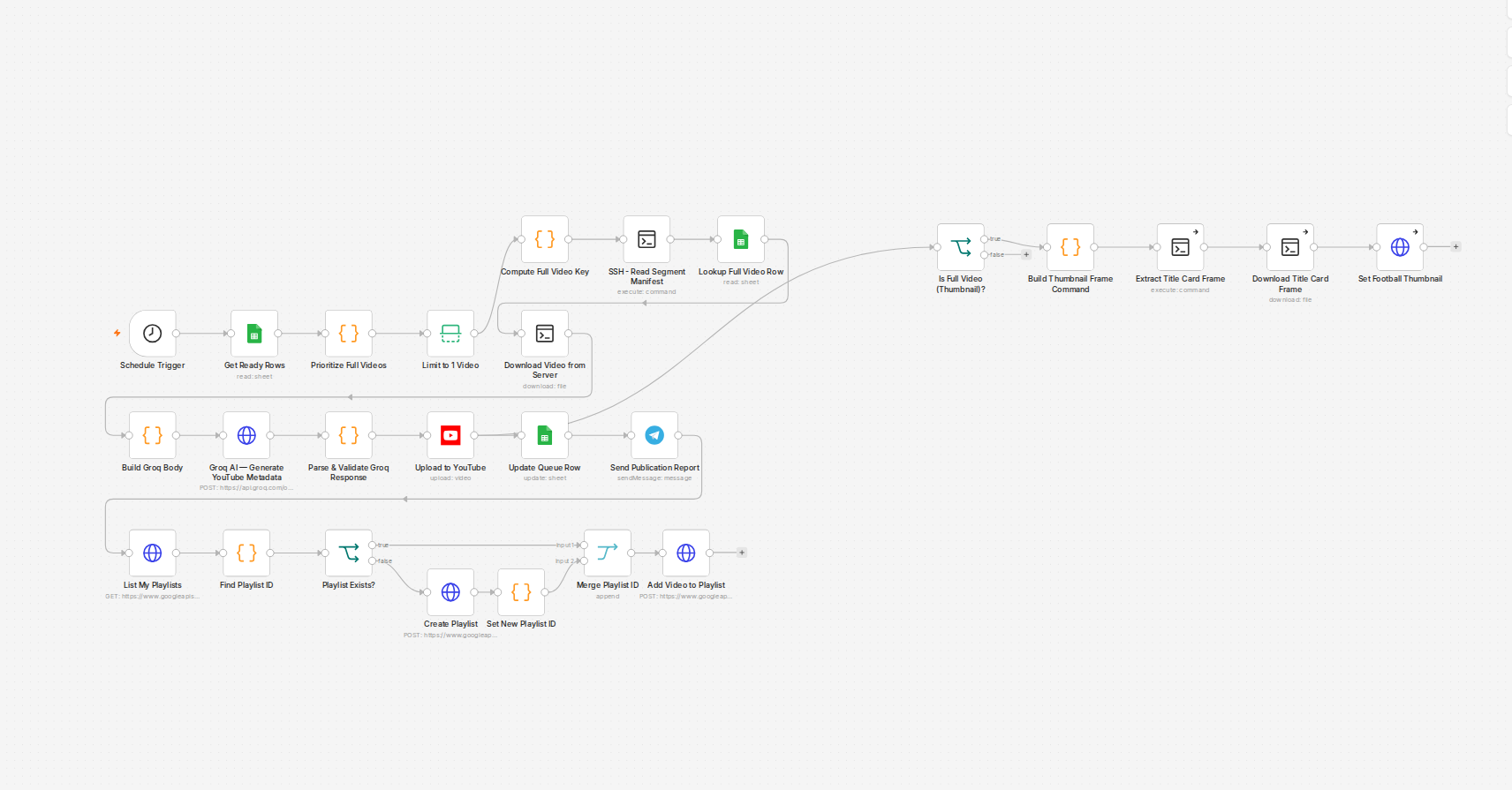
The setup: a temporary workflow to append a batch of rows
The pattern is normally simple — a throwaway webhook-triggered workflow that takes a JSON array in the request body and appends each item as a new row to a queue sheet. Ten new items needed to go in, so the array had ten objects in it, POSTed once.
Bug one: a webhook does not split an array into items
A Webhook node receiving a JSON array as its POST body does not fan that array out into multiple items the way it might look like it should. It produces exactly one item downstream, with the entire array sitting nested inside that single item's body field. A Sheets node connected directly to that webhook, set to map fields automatically, mapped the item's own top-level properties instead — headers, params, the raw request metadata — and wrote one row of webhook envelope garbage instead of ten real rows. No error, no warning; the node did exactly what it was told, the request just wasn't shaped the way the rest of the workflow assumed. The fix is a small Code node between the webhook and the Sheets node that reads the array out of the body and returns one output item per entry — the standard way to turn a single posted array into N items for anything downstream that expects to process them individually.
Bug two: a matching key that isn't actually unique
With the array-splitting fixed, the Sheets node was set to update-or-insert, matched on an ID column. That ID looks unique per row at a glance, but it isn't — the same short identifier is intentionally reused across multiple unrelated batches in this sheet, because it labels a *position* within a batch, not a specific record. The update-or-insert operation matched a new row against an existing row from a completely different, already-published batch that happened to share the same ID, and overwrote it — title, path, and status all replaced, including the field holding that older row's real, live publish confirmation. It went from a fully published, done row back to an empty, not-yet-published one, silently, with the operation reporting success.
What actually stops this
The permanent fix was smaller than the debugging: switch the operation from update-or-insert to a plain insert with no matching column at all. This sheet's only genuinely unique value is its literal row number, assigned at insert time — nothing else in it is safe to match on, however unique it looks. Update-or-insert is reserved for the narrow case of editing a row you already know the row number of; inserting new rows never uses it here again.
Recovering the overwritten row
The row had been read moments before the bad write, as part of the same debugging session — that earlier read was the only reason the original values could be restored at all. Rebuilding it meant manually re-entering the title, path, status, and the real publish ID from that pre-edit snapshot, then a follow-up read to confirm the restored row matched what had been live before. Without that earlier read, the original publish confirmation would have been gone for good — the sheet has no version history for a single-cell edit like this.
The rule that came out of it
A node reporting success is proof it did *something*, not proof it did the intended thing. Any Sheets write from now on gets a read immediately before and immediately after, and any matching key gets confirmed as actually unique across the whole sheet before it's trusted — not assumed unique because the format looks like an ID.